
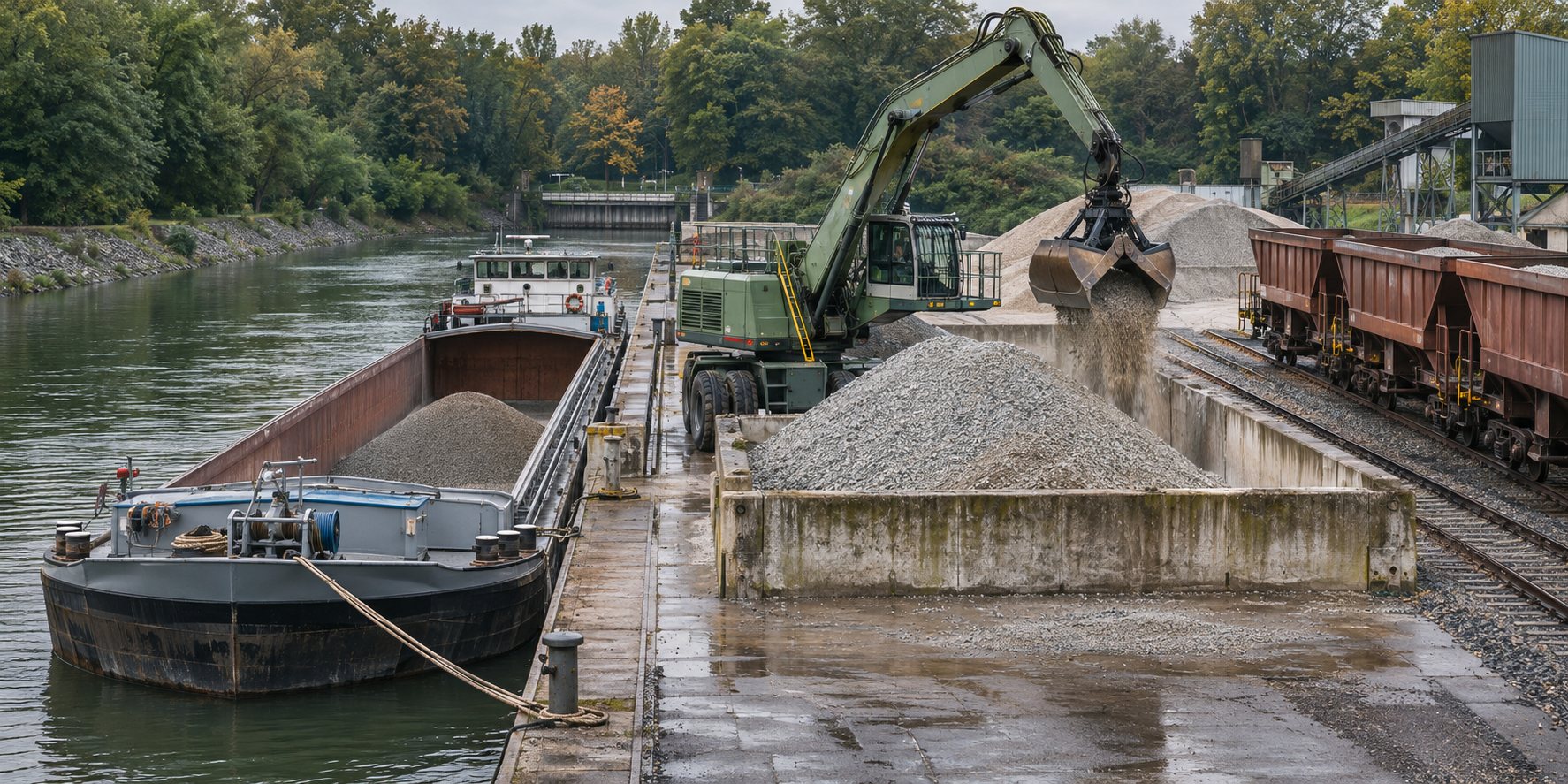
Your entire port in one system
IPMS is INPLAN's port management and port administration software for seaports, inland and industrial ports and independent terminals: from vessel notification through berth, cargo handling and storage to the finished port invoice.
From vessel call to port invoice
You enter the call once. From then on, every step uses the same data: berth, cargo handling, storage, invoicing and reporting.
- Vessel notificationEnter notification data once, with a built-in vessel list and list of port locations.
- Berth planningPlan and allocate berths. Visual Port shows occupancy live, with AIS vessel data on request.
- Port operationsPlan equipment from the notification data, record start, end and quantities. Shifts and work orders together with ITOS.
- Tariffs and contractsPort charges with validity periods, customer contracts with individual prices, discounts on request, pre- and post-calculation.
- Port invoiceCreate, check and send invoices, right through to e-invoices in XRechnung or ZUGFeRD.
- Storage and propertyStock, plots, areas and leases in the same system, right through to service charge statements. More about property management →
- Documents with the transactionEmails, notes, photos and scans stay with the transaction, not in the filing cabinet.
- ReportsStatistics and reports at the push of a button, plus inland waterway statistics in the official format.
From vessel call to posting
A vessel call touches many parts of the port. In IPMS they all belong to the same transaction, and each step builds on the one before.
1. Notify
Agents and customers use the portal to register a vessel call, or port staff enter the details themselves. The vessel list and port locations are built in, and data is entered only once. If the notification comes in through a reporting system for authorities, the port reuses the same data straight away in operations.
2. Allocate berth
Berths are planned and allocated, automatically if required. Visual Port shows occupancy as a graphic, with AIS data on request showing where the vessels are right now.
3. Plan operations
Using the notification data, dispatchers plan the equipment. Together with ITOS, shift planning and work orders are added, taking the port's own workflows into account. If something changes, the system helps with replanning.
4. Record what happens
Start, end, quantities and services are recorded in the office, by scan or on mobile devices at the quay. Depending on the port, customs procedures, stock movements and weighings are included too. Emails, notes, photos and scans stay with the transaction. For mobile recording, IPMS works with barcode scanners, RFID on request.
5. Invoice
The port invoice is generated from the recorded services. The next section shows how IPMS does this.
6. Post
Posting data goes to financial accounting via an interface or as a journal, for example to SAP, Navision or Diamant. Nobody has to enter an invoice twice.
How invoicing works in IPMS
IPMS assigns the right prices to the services delivered in operations. The basis is the port tariff with its validity periods or an agreement with the customer with individual prices, discounts on request.
The port decides when and in what form an invoice is created. Invoices run in freely selectable cycles. An invoice can list all services, the services bundled per vessel or broken down by service type. Anyone who wants one receives a detailed annex. IPMS automatically invoices recurring services such as leases and rents for the defined period, and calibrated data from weighing goes straight into the invoice.
Every invoice receives the correct account assignment and is entered in the electronic outgoing invoice register and in the journal. The journal goes to financial accounting split by posting period and ready for posting, together with the reconciliation totals for accounting. IPMS sends invoices to customers and agents electronically, in XRechnung and ZUGFeRD format.
- All services
- Bundled per vessel
- Broken down by service type
- With detailed annex
Reports from operational data
Whatever a port reports to authorities and for statistics, IPMS generates it from data that has already been recorded. At JadeWeserPort, vessel reporting runs through the system in line with European and local regulations and the requirements of the harbour authority. Once an authorised user has approved them, the system provides the data for federal statistics ready to submit, and waste reporting is part of the system too.
In inland ports, IPMS produces the inland waterway statistics in the official format. The statistical returns for the state statistical offices are generated automatically from operational data, and a learning function assigns transport direction and locks. The data is ready for submission via eSTATISTIK.core (eCore). The quay dues statement for the Waterways and Shipping Office also comes from the system.
- Vessel reporting
- Federal maritime statistics
- Waste reporting
- Inland waterway statistics
- Quay dues statement
For the port authority, operators and the port community
IPMS suits seaports, inland ports, industrial ports and independent terminals. For all cargo types and all modes of transport. IPMS runs port administration and invoices all services, including those from cargo handling, rail and warehousing. ITOS plans and controls cargo handling at the terminal, with orders, resources and shifts. Combined, both work in one system. INPLAN is one of the leading suppliers to German inland ports.
All modes of transport
Vessel, rail and truck in context. What arrives at the quay is also known in the warehouse and on the invoice.
Multiple sites
Multi-entity capable for multiple sites and subsidiaries, multilingual, with roles and permissions. The user interface is also available in Arabic, with right-to-left text.
From small to large ports
From a lean system for a few core processes to a full operating solution with planning, cargo handling, storage, property management and automated communication.
No service goes uninvoiced
IPMS reflects the way you work through configuration. You do not have to rebuild your processes to benefit from a standard solution.
- Proven standard solutionInstead of home-made stand-alone solutions, and without depending on individual people.
- Available everywhereAs a web application in the office, at the quay and on the move. You can run IPMS in your own data centre, or INPLAN hosts the system for you.
- Found fastFilters, selection functions and colour codes take you straight to the transaction.
- Everyone sees what they needRole-based working for harbour masters, dispatchers and accounting.
- Grows with your portFurther areas and modules can be added to the live system at any time.
- Your systems stayWe integrate existing applications, under one user interface or via interfaces.
- Continuously developedYou always work with the current version, even when operating systems and browsers change.
- Planning and profitabilityVisualisation in real time and in planning mode, statistics for your costing.
Your port, connected
Customers, agents and partners take part wherever it helps you. That saves queries and makes planning reliable earlier.
- PublishShare vessel arrivals and schedules with your partners.
- Electronic invoice dispatchInvoices go straight to customers and agents.
- External portalCustomers and agents notify early. Your equipment planning stays up to date.
- Data from partnersDetails of incoming cargo arrive in the system electronically.
Who works with what
IPMS is built for many workstations across the port, and everyone sees what they need for their task. The port office handles notifications and berths and calls up the history of a vessel or a transaction at the push of a button instead of searching through files. Dispatchers plan the equipment, follow occupancy in Visual Port and replan when a vessel arrives late.
Invoicing checks and sends the invoices generated from operations. An external accounting firm can also be included: it calls up the invoice documents itself and prints them. Customers and agents take part via the portal. They notify vessels, see their stock in the warehouse, order additional services such as fresh water and receive their invoices electronically. And where authorities take part, they use the same data as the port.
- Port office
- Dispatch
- Invoicing and accounting
- Customers and agents in the portal
- Authorities
What ports want to know before they start
Do we have to adapt our processes to the software?
Usually not. IPMS reflects different ways of working through a wide range of settings, and there are often several built-in procedures for the same workflow. Custom development is therefore rarely needed, and you still stay on standard software.
Can we start small and expand later?
Yes. The IPMS modules are self-contained, so the scope can be set at the start and extended later in the live system. Stadthafen Lünen started with the basic modules and introduced further modules step by step. Mukran Port planned its implementation in stages, starting with port and rail operations.
How does an implementation work?
It starts with capturing your requirements, for example in workshops. The system is then configured, your users take their first steps in a test system and are trained, and then the system goes live. How long this takes depends on the scope. At the Rostock freight and fishing port, the system was live around three months after the order. INPLAN usually offers the project at a fixed price.
Which systems can be integrated?
Financial accounting systems such as SAP, Navision or Diamant are connected via an interface or via journals. At the Port of Beirut, the port system is also connected to the container terminal, banks, authorities, agents and freight forwarders. Add to that AIS data, reporting systems and the import of lists from Excel, such as vessel advice notes. You can also bring existing applications together under the IPMS user interface.
What happens when operating systems and browsers change?
IPMS is continuously developed and, under the maintenance and support contract, is available to you in its latest version. This includes keeping the software operational on new operating systems and new browser versions.
Ports that run IPMS
Port of Beirut
Port operations, invoicing and property management in one system. Winner of the IAPH IT Award in Gold.
Read the case studyBaltic Sea · Deep-water portMukran Port
Port and rail operations, real estate and invoicing in one central system.
Read the case studyInland port · NRWStadthafen Lünen
Cargo throughput more than doubled: port operations, warehousing, statistics and invoicing in one system.
Read the case studyBaltic Sea · Multi-purpose portRostocker Fischereihafen
Operations and invoicing in one integrated system, live around three months after the order.
Read the case studyInland portsKehl, Karlsruhe, Mannheim, Koblenz, Braunschweig, Essen
Billing port and quay dues and managing land and lease agreements, as standard.
Read the case studyNorth Sea · SeaportJadeWeserPort
From vessel notification to integrated invoicing, with one access point for everyone involved.
Read the case studyWorks well with IPMS
ITOS
Vessel, rail, truck and warehouse in one control centre, from costing to invoicing.
Learn morePort graphicVisual Port
Berths, vessels and storage areas live at a glance, with AIS vessel data.
Learn moreReporting systemNational Single Window
One reporting system for the major seaports and 30 smaller seaports of Lower Saxony, in line with EU requirements.
Learn moreChoose a workflow from your port and we’ll show it to you in INPLAN in 30 minutes
No obligation. Online or at your site.
Phone+49 208 6591-950
Emailinfo@inplan.de
Helpful for our first reply: your organisation and the process you would like to see.